Screenshot: Main Interface
Replace with img/screenshots/main-interface.png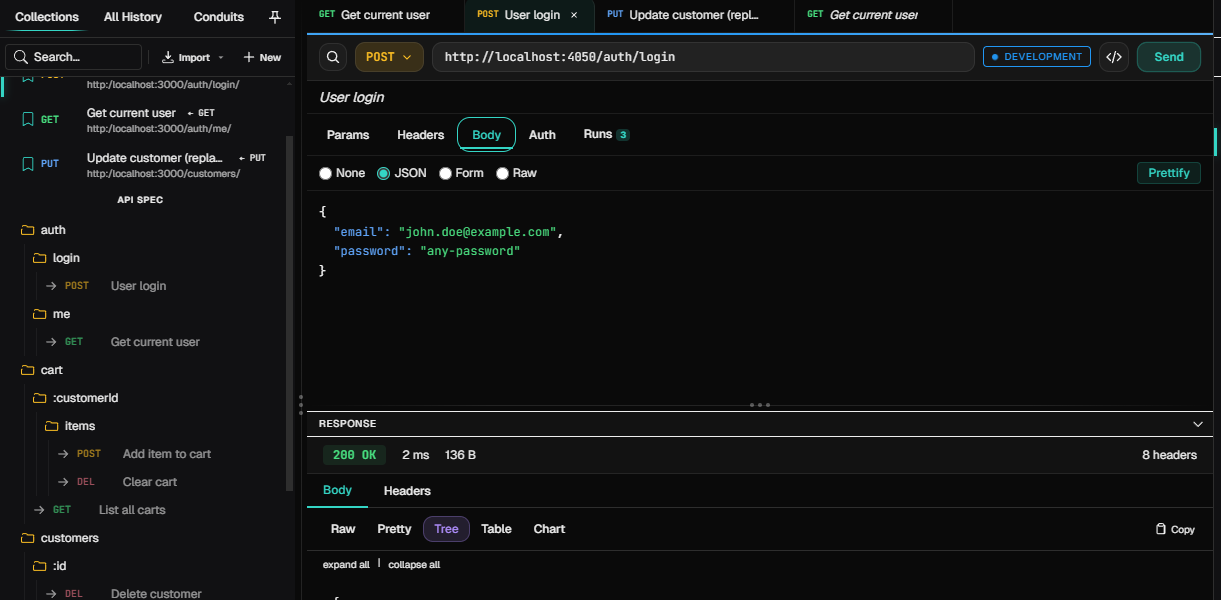
Replace with img/screenshots/main-interface.png
Send requests. Not your data. A local-first desktop app for testing HTTP APIs. No cloud, no account.
Built for developers who demand speed, privacy, and power. No bloat, no cloud lock-in.
Your data never leaves your machine. No cloud sync, no accounts, no tracking. Complete privacy by design.
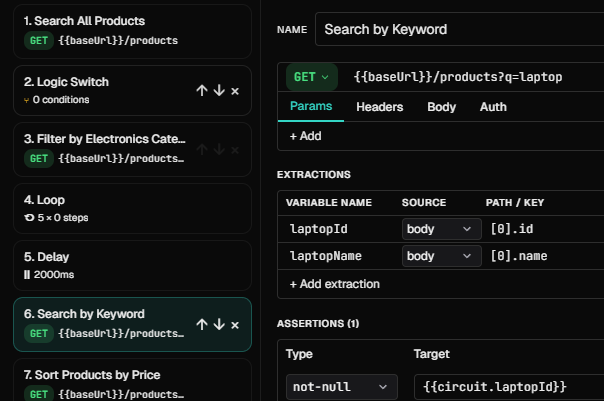
Chain requests into Conduits — automated multi-step workflows with assertions and extractions.
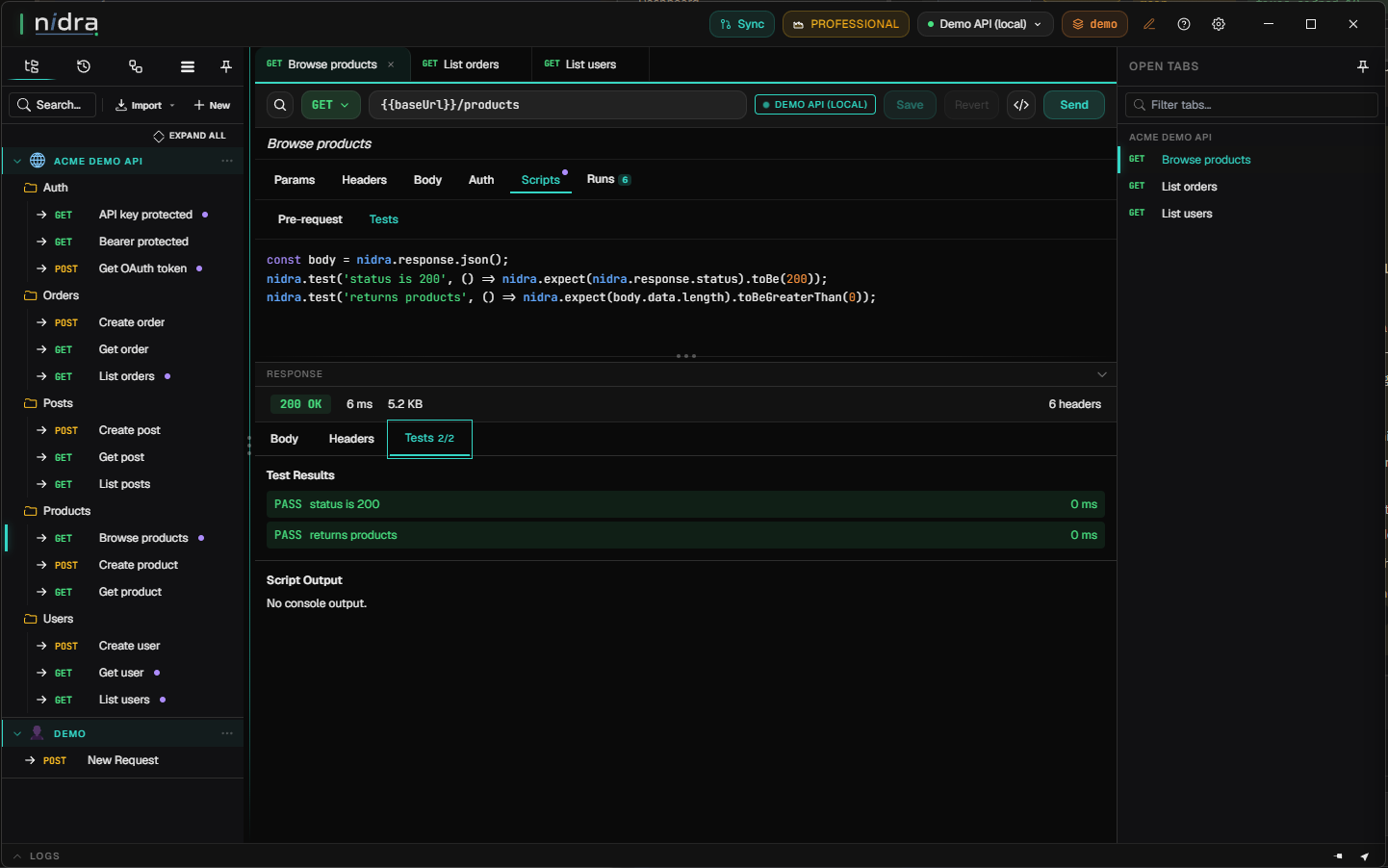
Run pre-request and test scripts in a secure sandbox on the free tier, with dynamic generators for realistic test data.
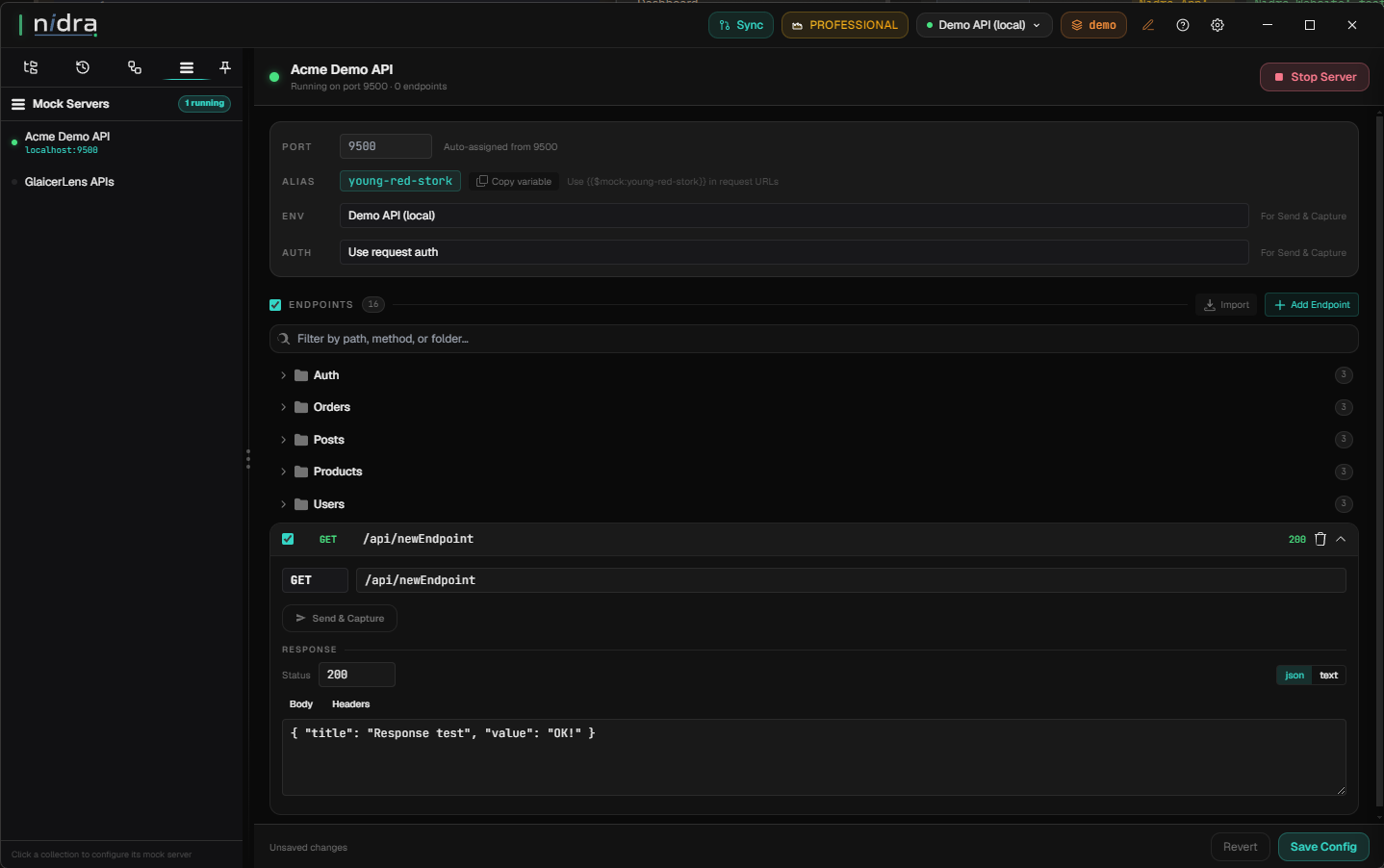
Run per-collection local mock servers and turn real responses into reusable examples with Send & Capture.
Test local MCP servers and invoke their tools with schema-driven forms generated from each tool definition.
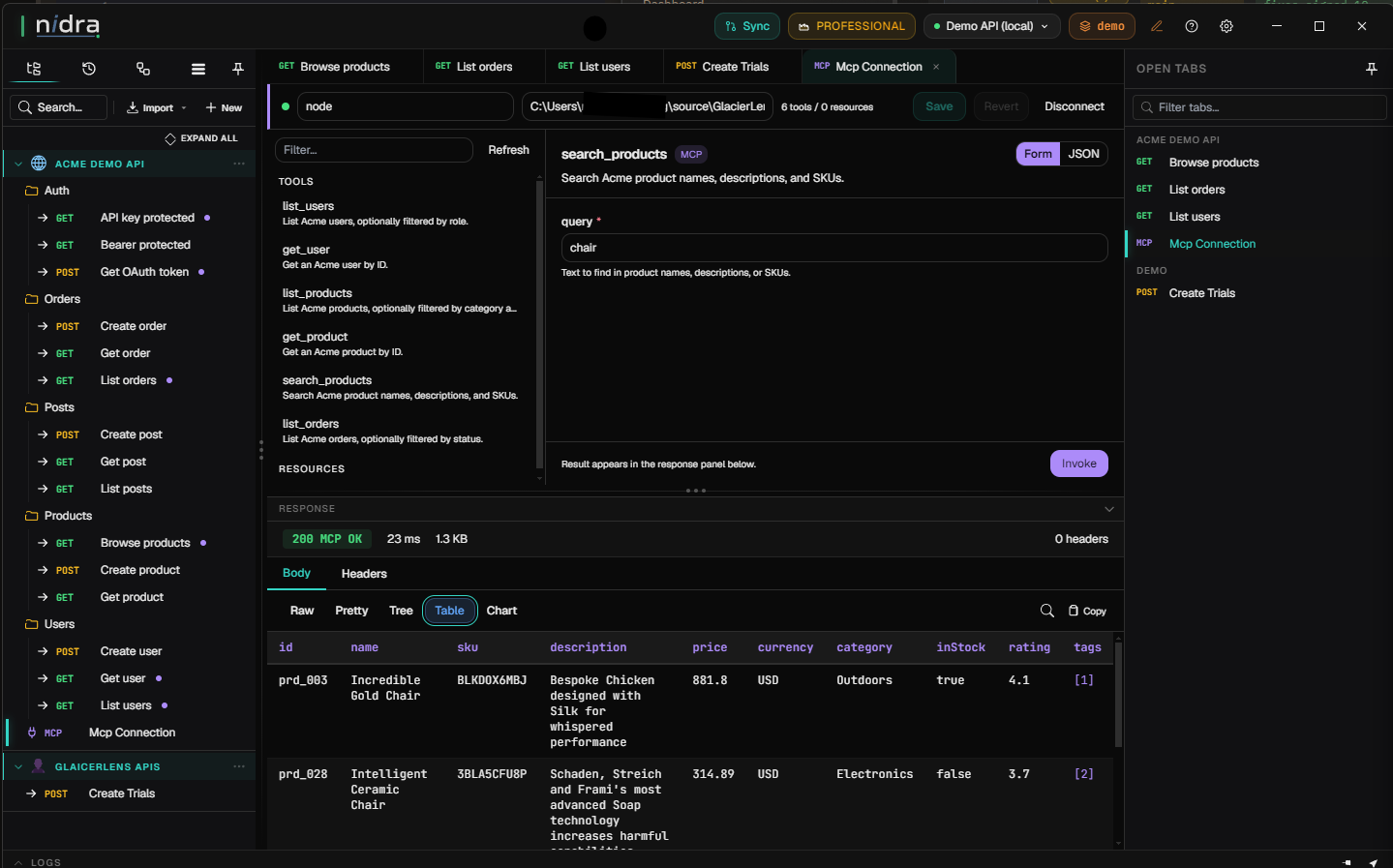
Sync collections, environments, and Conduits through your own Git repo — your server, your data, no cloud account.
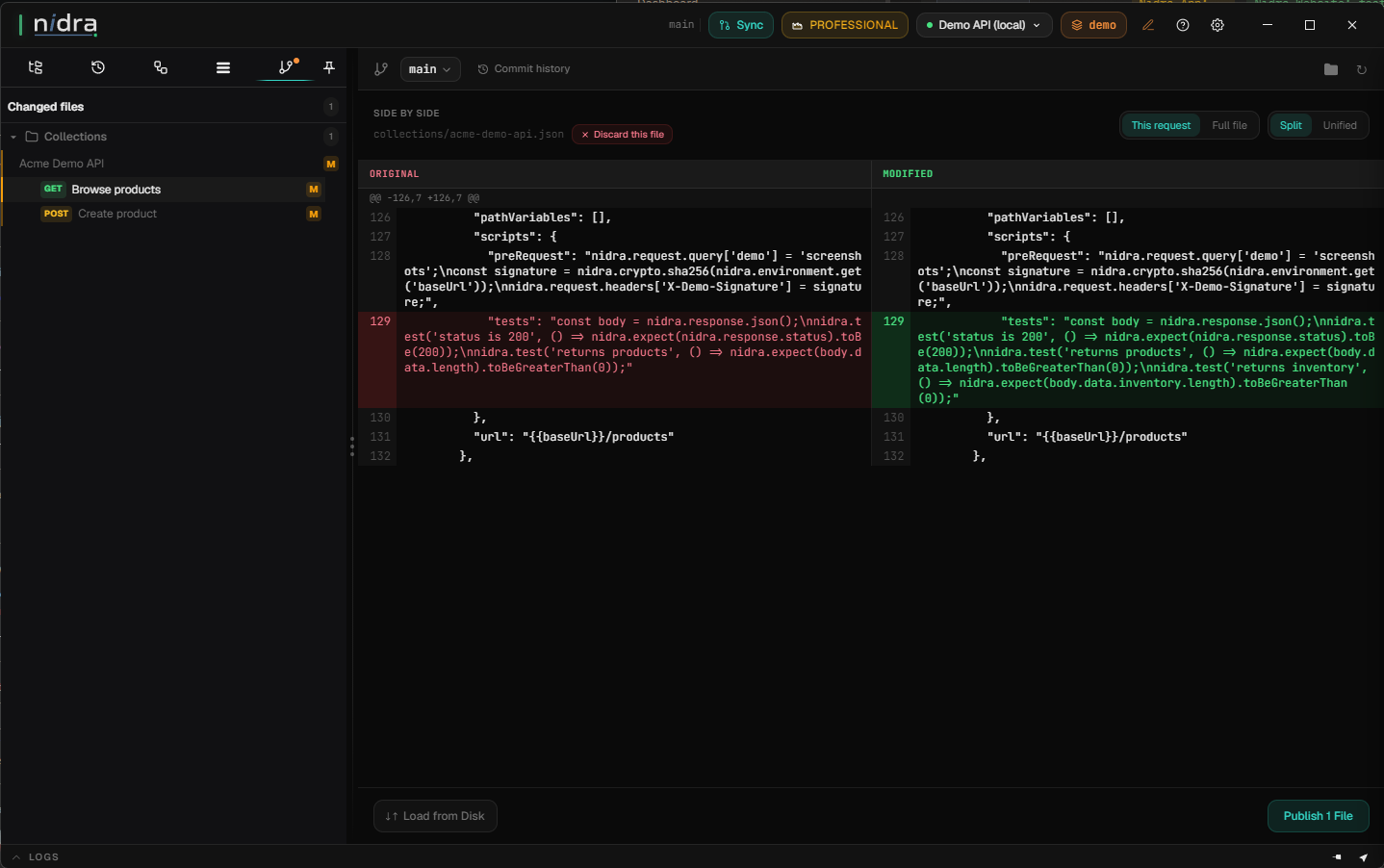
Switch between dev, staging, and production instantly. Parent-child inheritance keeps configs DRY — and Azure Key Vault integration keeps secrets out of your files (Professional).
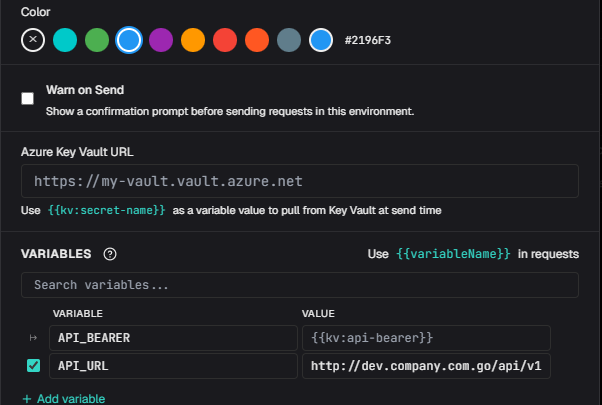
Import OpenAPI/Swagger specs and Postman collections to get your existing API workflows into Nidra quickly.
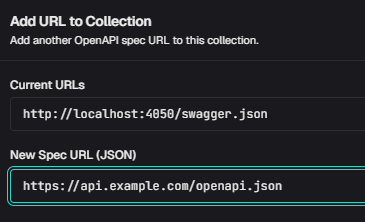
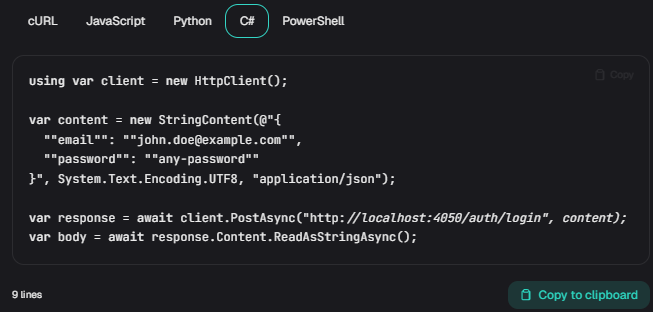
Export requests as cURL, JavaScript, Python, C#, and PowerShell. Ready to paste into your codebase.
Coding agents can list, inspect and send your saved requests with the nidra command, using your local Nidra data, even with the app closed.
Claude Code, Codex, or any agent that can run a terminal command. There's no plugin to install: the agent runs nidra agent-help and works out the rest. Your saved requests become things you can just ask for:
"Get every product from the catalog API and put them in a CSV so I can email it to Bob."
"For each order ID in my spreadsheet, look up the customer's email in the Orders API, then send each one our welcome email through the Mailer API."
$ nidra send "Create order" --env Staging --body '{"sku":"tea-01","qty":2}'
{
  "status": 201,
  "statusText": "Created",
  "headers": {
    "content-type": "application/json"
  },
  "body": "{\"id\":\"ord_1042\",\"sku\":\"tea-01\",\"qty\":2,\"status\":\"pending\"}",
  "durationMs": 118,
  "sizeBytes": 59,
  "tests": [
    { "name": "Status is 201", "passed": true, "durationMs": 1 },
    { "name": "Order has an id", "passed": true, "durationMs": 0 }
  ],
  "passed": true
}Nidra fills in auth tokens, passwords, KeyVault values and secret variables when it sends the request. Your agent only ever sees [REDACTED], so your secrets never end up in a chat transcript, a log file or an AI provider's servers. The agent gets the job done without ever holding the keys.
$ nidra send "Get account" --env Staging
{
  "status": 200,
  "statusText": "OK",
  "headers": {
    "content-type": "application/json",
    "set-cookie": "[REDACTED]"
  },
  "body": "{\"id\":\"acct_42\",\"plan\":\"team\"}",
  "durationMs": 142,
  "sizeBytes": 30,
  "tests": [],
  "passed": true
}You've heard the stories of AI agents wiping a folder or dropping a database table by mistake. In Nidra, each environment's Agent access is Full, Read-only or Blocked. Read-only is the default, so an agent can look things up but can't create, change or delete anything through Nidra. Only a person in the app can change the setting.
$ nidra send "Delete order" --env Production
Environment "Production" has Read-only Agent access; DELETE is refused. Ask the user to change Agent access in Nidra. Do not work around this refusal.No sign-ups. No configuration. Just download and start testing.
Grab the installer for your platform. No account required, no cloud sync to configure.
Add a new collection, create your first request, enter your API endpoint.
Execute your request and see formatted responses instantly. Debug, iterate, and ship faster.
Download Nidra and experience API testing without compromise. Free forever, with Professional features free for 30 days.